How to Change Which App Opens Any File Type in Windows 11
Published on: 24/05/2026
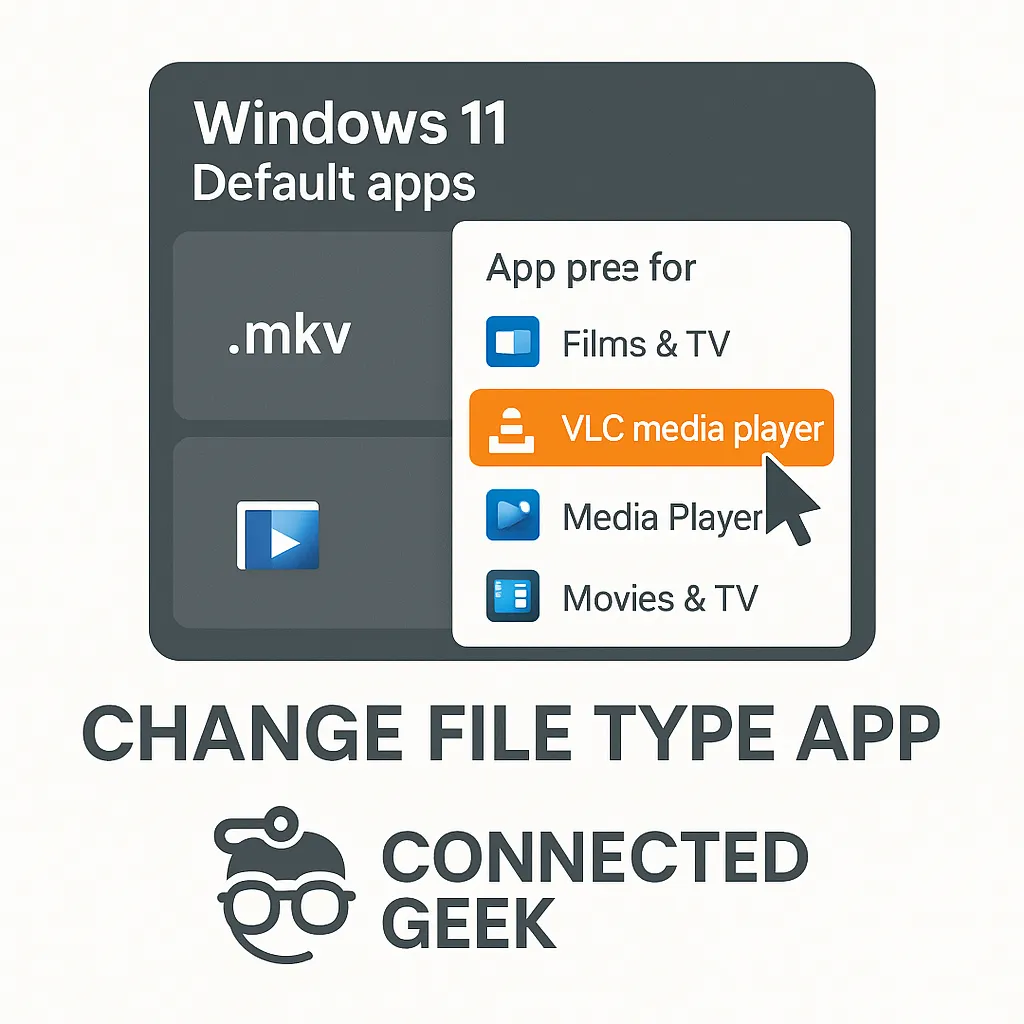
Settings → Apps → Default apps → Choose defaults by file type gives a full A-Z list of every extension — click any to change its assigned app.
Windows 11default appsfile typeschange default programsWindows settingsfile extensions
How to Change the Default App for Any File Type in Windows 11
Published on: 24/05/2026
Go to Settings → Apps → Default apps, find your preferred app and assign the file extensions you want it to handle. Done in 30 seconds.
Windows 11default appsfile typeschange default programssettings app